
First steps
-
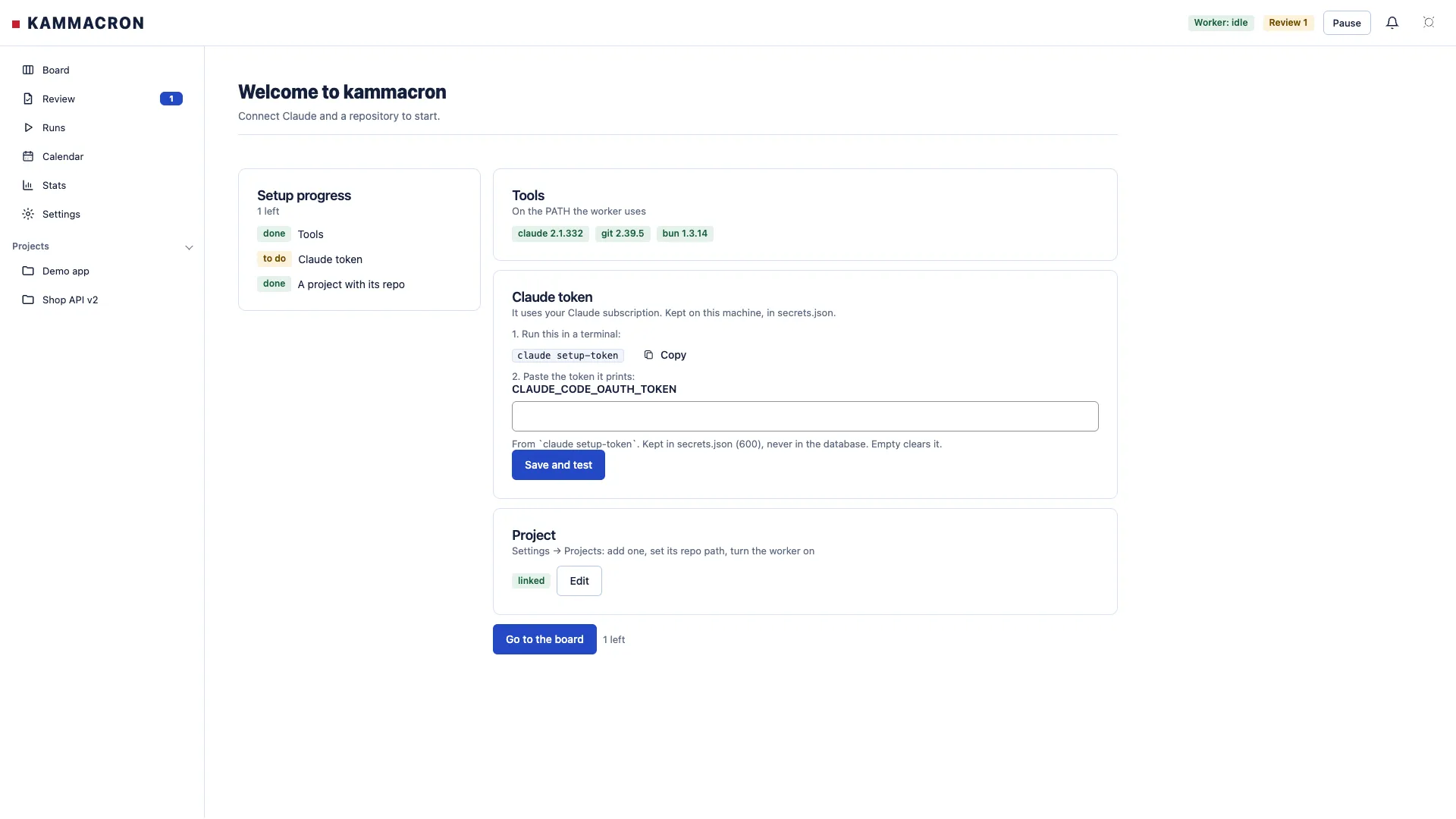
Claude token. Run
claude setup-tokenin a terminal and paste what it prints into Settings → Claude connection (or setCLAUDE_CODE_OAUTH_TOKEN). Test runs one shortclaude -p. The token is kept insecrets.json(mode 600), never in the database. -
Project. Settings → Projects → Add project, give it a slug and a name, then set its repo path and turn Claude works this project on. The checklist says whether the path is a git repository with an
origin, a default branch and a pre-push hook. -
First card. On the board, New card: a title, what you want in the body, owner Claude. Claude cards carry the
claudetag, and the worker takes them on the project’s next round. Run now starts a round straight away.
To add cards from Claude Code instead, see Claude Code and MCP.